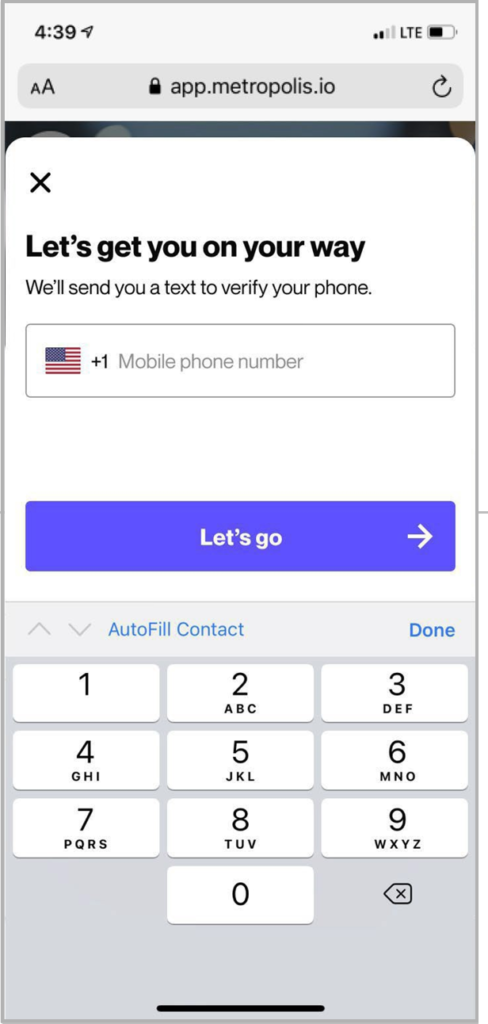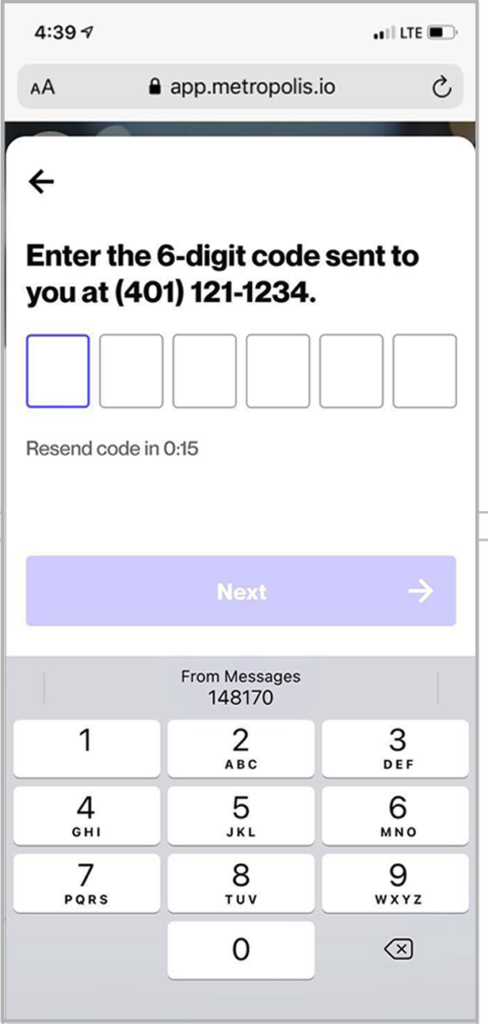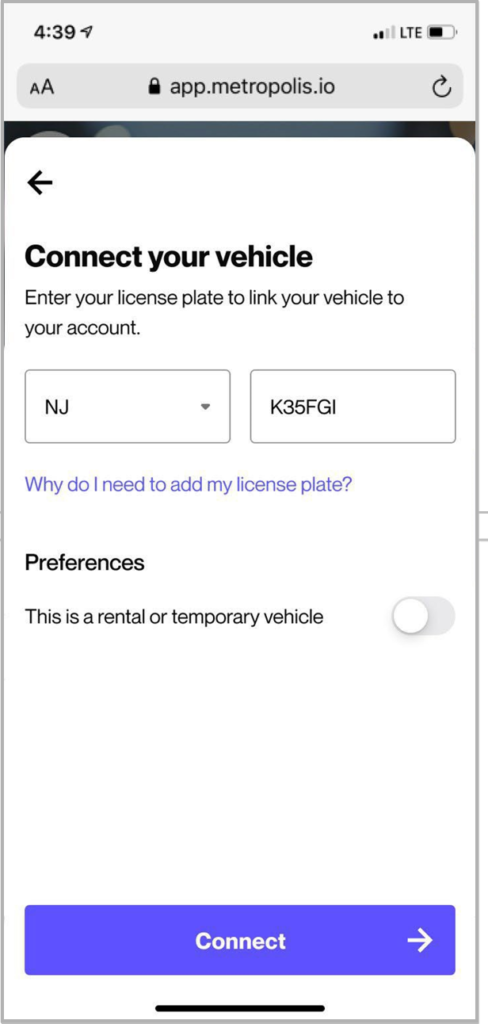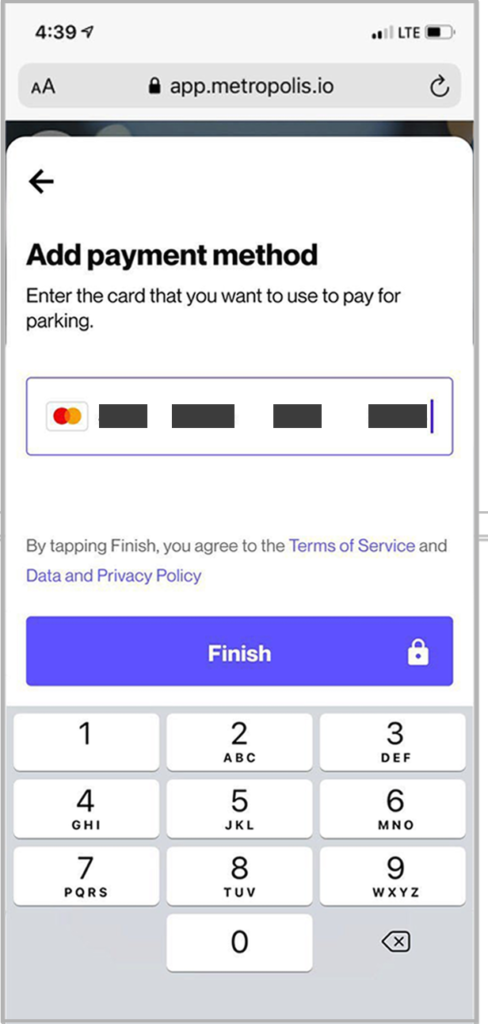
At XNA Airport, we understand the importance of a smooth start to your journey. With our user-friendly reservation system, parking at XNA has never been easier.
With reserved spaces, you can rest assured knowing that your space is guaranteed, allowing you to focus on what truly matters – your journey ahead.
Our Premium Reserved Parking is tailored to offer you the luxury of stress-free parking, while enjoying unmatched convenience by parking at the front of the Long Term Lot and in the Parking Deck Garage, just steps away from the elevator.
 Long Term Lot PREMIUM RESERVED: Experience Premium Convenience
Park conveniently at the front of the Long Term Lot in the designated PREMIUM RESERVED spaces, marked as Section L on the parking map.
 Parking Deck PREMIUM RESERVED: Extra-Large Spaces, Extra Comfort
Our EXTRA-LARGE parking spaces, located in the designated PREMIUM RESERVED spaces in the Parking Deck Garage on floors 2 and 3, offer convenient proximity to the elevators in Section D of the map, ensuring quick access to your terminal.
Park smart, travel easy!