Northwest Arkansas National Airport (XNA) Airport Parking with Metropolis | Bentonville, Arkansas

Northwest Arkansas National Airport (XNA)

XNA offers multiple parking options and affordable pricing based on proximity to the terminal. Choose from covered and uncovered parking with various pricing options. Park closer with Premium Reserved parking, conveniently located near elevators and pathways leading to the terminals.

For information about ADA Accessibility, Wheelchair Services, Curbside, Electric Vehicle Charging, and Security, click here. For questions, please call Metropolis at (479) 205-1119 or email us here.

Pre-Book Parking

Plan ahead and book your parking online to guarantee a space.

XNA offers multiple parking options and affordable pricing based on proximity to the terminal. For information about ADA Accessibility, Wheelchair Services, Curbside, Electric Vehicle Charging and Security click here.

Click here for Directions

Click here to select a location to view their Hourly Rates.

Parking Locations 24hr Max Status
Short-Term Parking
(Approx. 225 ft to the Terminal)
$20.00 Open
xna-pin-parking-deck-b.png Parking Deck
(Approx. 455 ft to the Terminal)
$22.00 Open
xna-pin-long-term-c.png Long Term Parking
(Approx. 525 ft to the Terminal)
$12.00 Open
Economy Parking
(Approx. 900 ft to the Terminal)
$8.00 Open
NOTE: SERVICE FEE
A Service Fee is excluded in the listed prices and is only applicable to transactions fully processed by the Metropolis platform. The Service Fee is equal to $0 for up to 1 hour; $0.99 from 1 hour to 3 hours; and $1.49 for all stays over 3 hours. Service Fee is not applicable on cash and credit card payments taken manually by an onsite attendant.

Weather

Sign-up for Airport Info & Special Offers

1.

Drive In
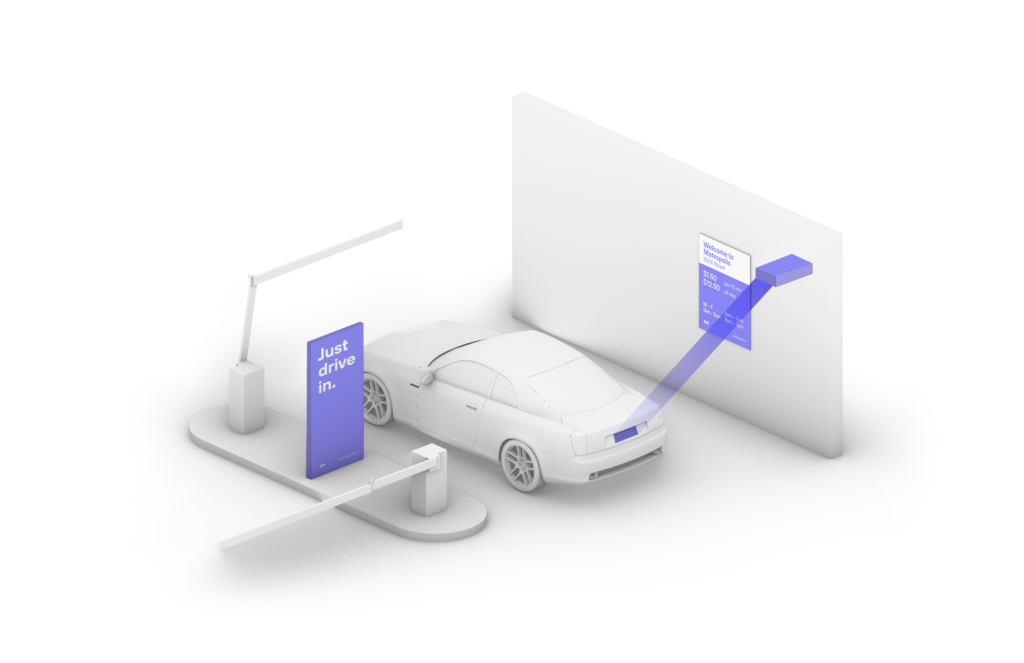
Your visit starts when you drive in. You will receive a welcome text when you enter, and your parking session will begin.

2.

Drive Out
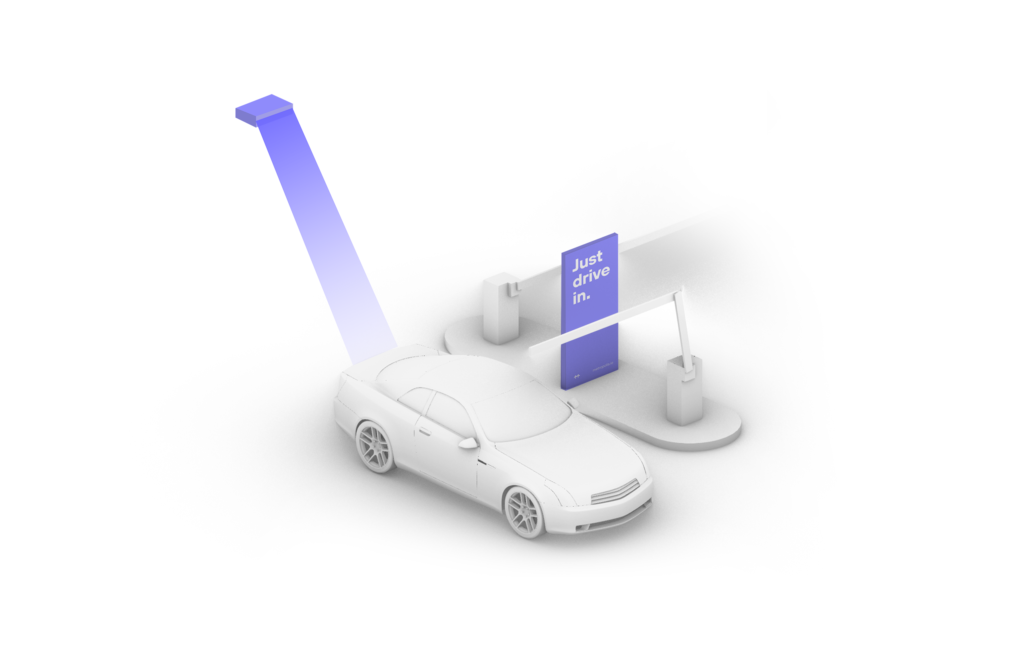
When you exit the parking garage your parking session is automatically charged to your credit card on file. Just drive out.

1.

Drive In
Your visit starts when you drive in, and your parking session will begin.

2.

Connect
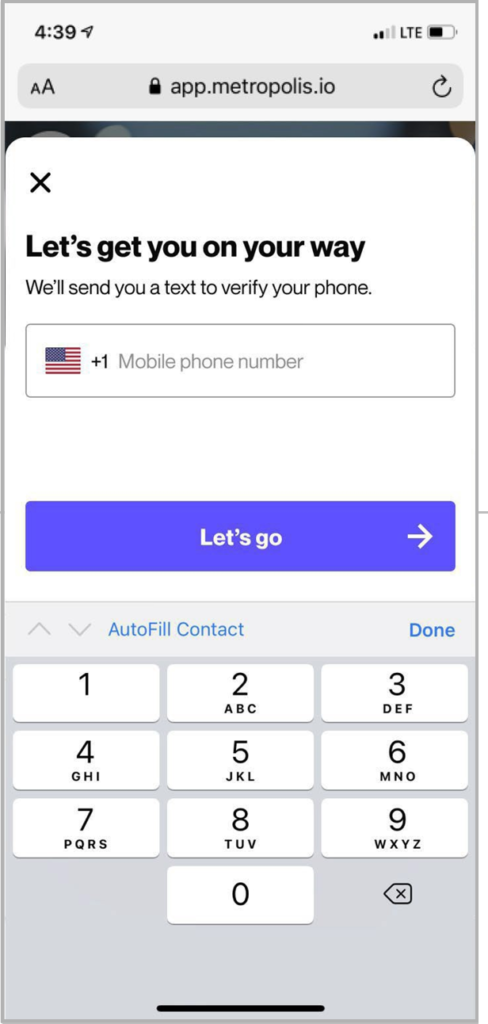
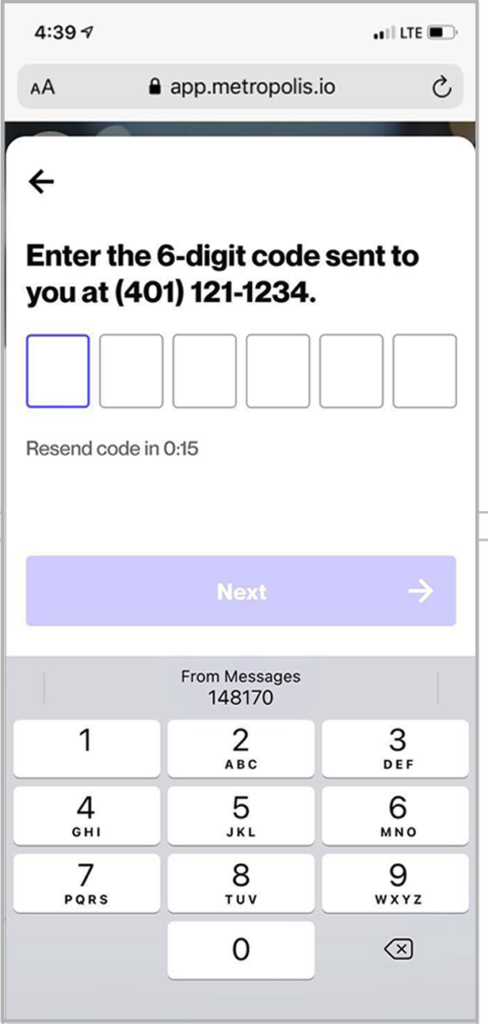
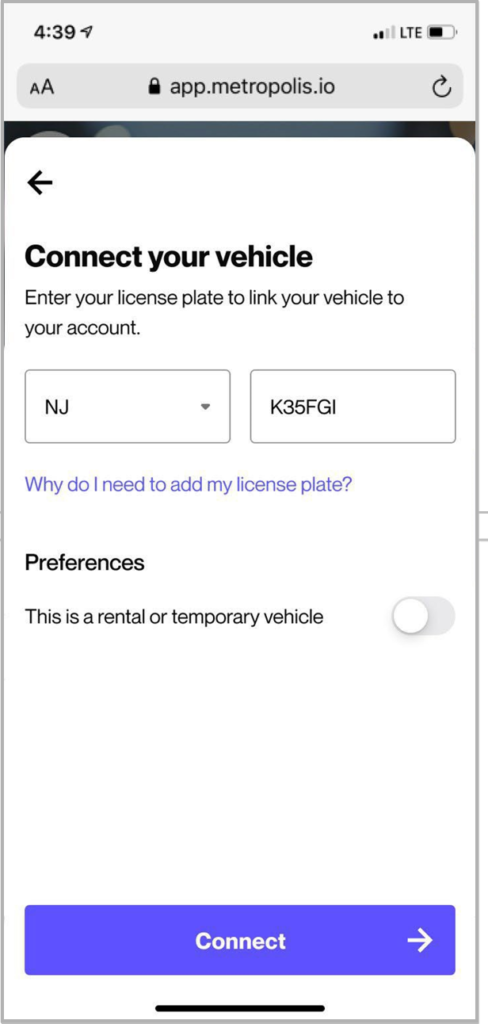
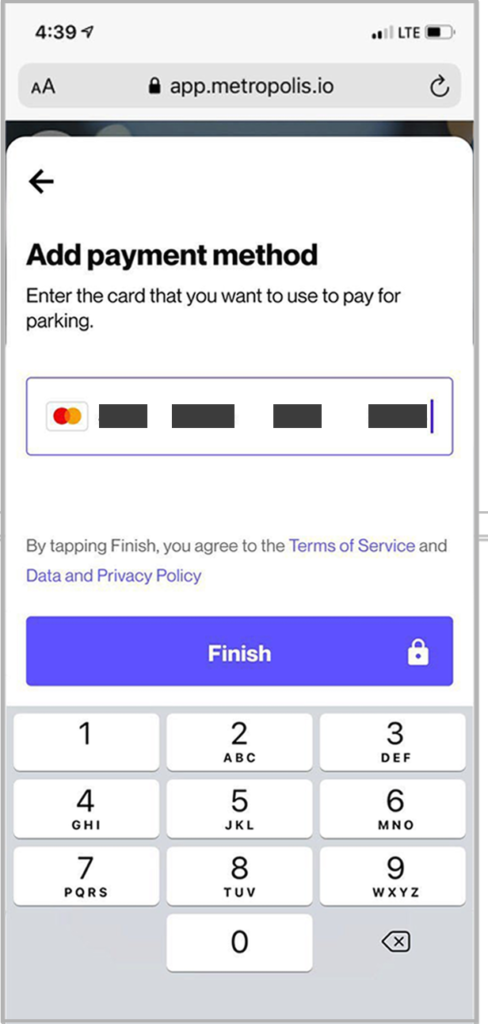
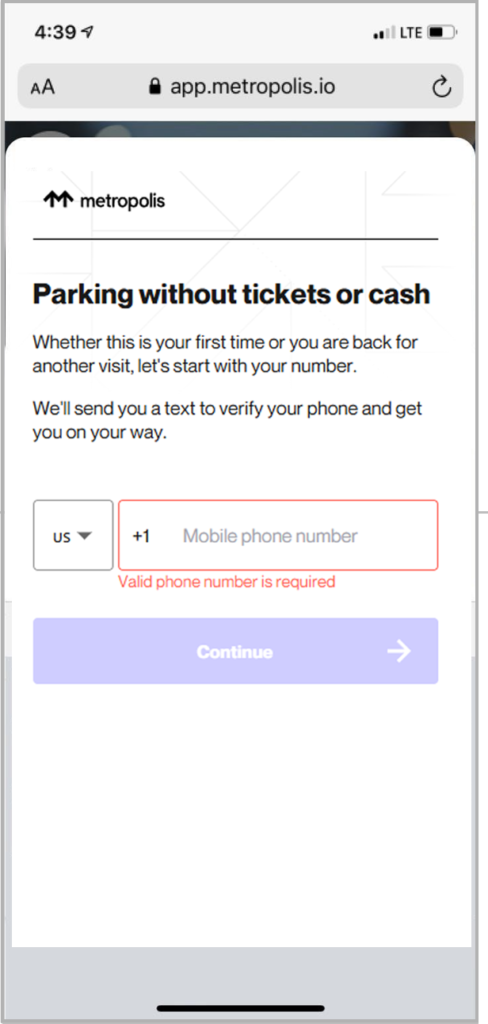
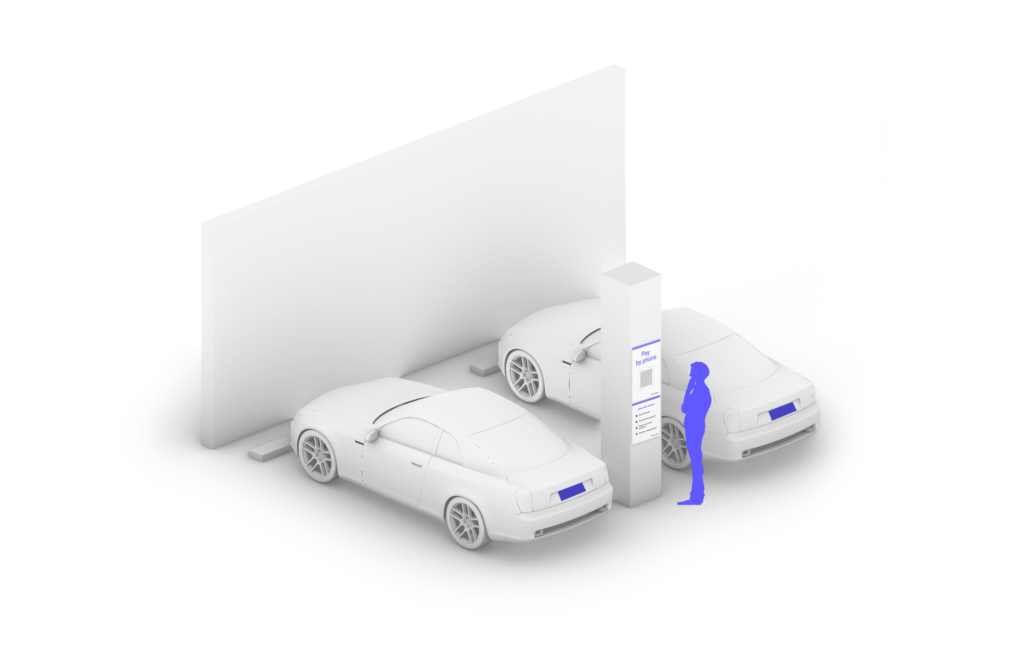
Scan QR code posted in the parking garage and enter the required information. (License plate number required)

3.

Drive Out
When you exit the parking garage, your parking session is automatically charged to your credit card on file. Just drive out.

1.

Drive In
Your visit starts when you drive in, and your parking session will begin. (The Metropolis Technology recognizes your license plate and retrieves your prepaid reservation.) Do not scan posted QR codes. You’re all set.

2.

Drive Out
When you exit the parking facility, your prepaid reservation is recognized. Just drive out. (If you stayed beyond your allotted reservation, your credit card will be charged the difference using the drive-up rates.)